 Comparison
Which Options Alerts Service Is Worth Your Money?
Last Updated: October 28, 2026
Quick Summary
Options alerts are notifications that flag potential trades in options contracts, such as calls and puts. Alerts-only services leave every order to you, while automated services can place trades through a connected brokerage account based on rules you set. Before subscribing, check latency, customization, broker compatibility, and transparent performance methodology.
- Automated services can place orders through a connected brokerage account using rules you configure.
- Demand paper trading, per-trade position limits, and a kill switch before enabling automated execution.
- Require limit orders, since market orders on thin options contracts can fill far from the quoted price.
- Test alerts through at least one full earnings cycle before relying on them.
- Compare services on total cost per usable signal, not on sticker price.
Table of Contents
- What Options Trading Alerts Are and How Buy and Sell Signals Work
- Automated Options Trading Alerts Versus Alerts-Only Services
- Options Flow Alerts, Sweeps and Block Trades Explained
- Earnings Trade Alerts: Timing, Latency and Customization
- Comparing Options Alerts Services: Features, Platforms and Pricing
- How to Verify Alert Accuracy and Performance Claims
- Choosing Your Options Alerts Service Before You Register
- Frequently Asked Questions
Earnings are among the most volatile moments on the trading calendar, and a few minutes of delay can erase much of an expected move. That is why access to options alerts matters, and why the real question is which service delivers the right signals fast enough to use. This guide explains how options alerts work, where automated services differ from alerts-only ones, and what to check before you pay.
What Options Trading Alerts Are and How Buy and Sell Signals Work
An options trading alert flags a potential trade in an options contract, such as a specific call or put on a stock.
Buy and sell signals are the core of most alert products: a buy signal suggests opening a position, a sell signal closing one. Quality varies widely, some rest on technical analysis, others on order flow or earnings expectations, so the most useful alerts state their basis clearly, letting you judge whether the logic fits your strategy.
Calls, Puts, Entry Signals and Exit Signals
A call gives the holder the right to buy the underlying stock at a set price, so call alerts usually point to a bullish view; a put gives the right to sell, so put alerts point to a bearish one. Both carry expiration dates, and time decay works against the buyer, making timing more important than with shares.
Entry signals tell you when conditions favor opening a position; exit signals tell you when to take profit or cut a loss. An alert that gives only an entry is incomplete, so check whether the service also addresses exits, most options losses come from holding too long.
Automated Options Trading Alerts Versus Alerts-Only Services
The most important distinction in this market, and the one most buyers get wrong, is between automated trading alerts and alerts-only services. An alerts-only service sends a notification and leaves every decision and order to you; an automated service can place trades through a connected brokerage account based on rules you set in advance. The difference changes who is responsible for the order, how fast it reaches the market, and what happens when something breaks.
How an Automated Alert Actually Reaches Your Broker
An automated options alert is not a single event. It is a chain, and every link adds latency and a failure point:
- Signal generation. The service detects a condition, an earnings surprise, an unusual options sweep, a price move through a threshold, and produces a trade idea with a ticker, strike, expiration, and direction.
- Rule evaluation. Your account applies the rules you configured: maximum position size, allowed tickers, allowed contract expirations, time-of-day windows, and a cap on how many orders can fire per day.
- Order construction. The system builds an order, typically a limit order on a specific contract, sometimes a multi-leg spread, and sets a time-in-force such as day or good-till-canceled.
- Broker transmission. The order is sent through a broker API or an integration layer to your brokerage account. This is where broker compatibility matters most; a service that only sends text messages has no step 4 at all.
- Fill and confirmation. The broker routes the order, and the fill price depends on the contract's liquidity and the bid-ask spread at that moment. A wide spread can turn a signal that looked profitable on paper into a losing fill.
Alerts-only services stop at step 1; you perform steps 2 through 5 manually, so the practical delay between notification and order is usually measured in minutes, not milliseconds.
Controls You Should Demand Before Enabling Automation
Automation without guardrails is how traders lose money they did not intend to risk. Before connecting any service to a brokerage account, confirm it supports:
- Paper trading or a simulation mode so you can watch the rule set fire without real capital.
- Per-trade and per-day position limits, expressed in contracts or dollars, not just percentages.
- A kill switch that disables automated execution instantly without canceling your subscription.
- Order-type control, so you can require limit orders rather than market orders. Market orders on thin options contracts can fill far from the quoted price.
- A trade log showing every signal, every order, and every fill, with timestamps, so you can audit what the system did and why.
- Clear disclosure of whether the service has discretionary authority or only fires rules you wrote. Those are very different risk profiles.
Where Each Model Fits
Alerts-only services keep you in full control and work with any brokerage, but require you to act within seconds of each notification and fail silently if you are away from your phone. Automated services remove that delay but add operational risk: a misconfigured rule or fast-moving market can produce unintended losses. Confirm whether a service actually supports execution, since the supplied research does not establish automated execution for every option on this list.
If you are new to options, start with alerts-only, then consider automation only after testing signals over several earnings cycles and writing out the exact rules you would want a system to follow. WhisperNumber offers Options Trade Alerts and Stock Trade Alerts.
Options Flow Alerts, Sweeps and Block Trades Explained
Options flow alerts track large or unusual trading activity in options contracts. A sweep is an order split across several exchanges to fill quickly, often a sign of urgency. A block trade is a single large order, typically negotiated away from the public order book.
Traders watch flow because large institutional bets sometimes precede price moves, but flow data is noisy: a large trade can be a hedge rather than a directional bet, and the party behind it is usually unknown. Treat flow alerts as one input, not a standalone signal.
Earnings Trade Alerts: Timing, Latency and Customization
Earnings alerts are where timing matters most. The gap between an earnings release and the market's reaction can be seconds, so alert latency, meaning the delay between an event and your notification, is a critical spec. Ask any service how quickly alerts are delivered and whether delivery is real-time or delayed.
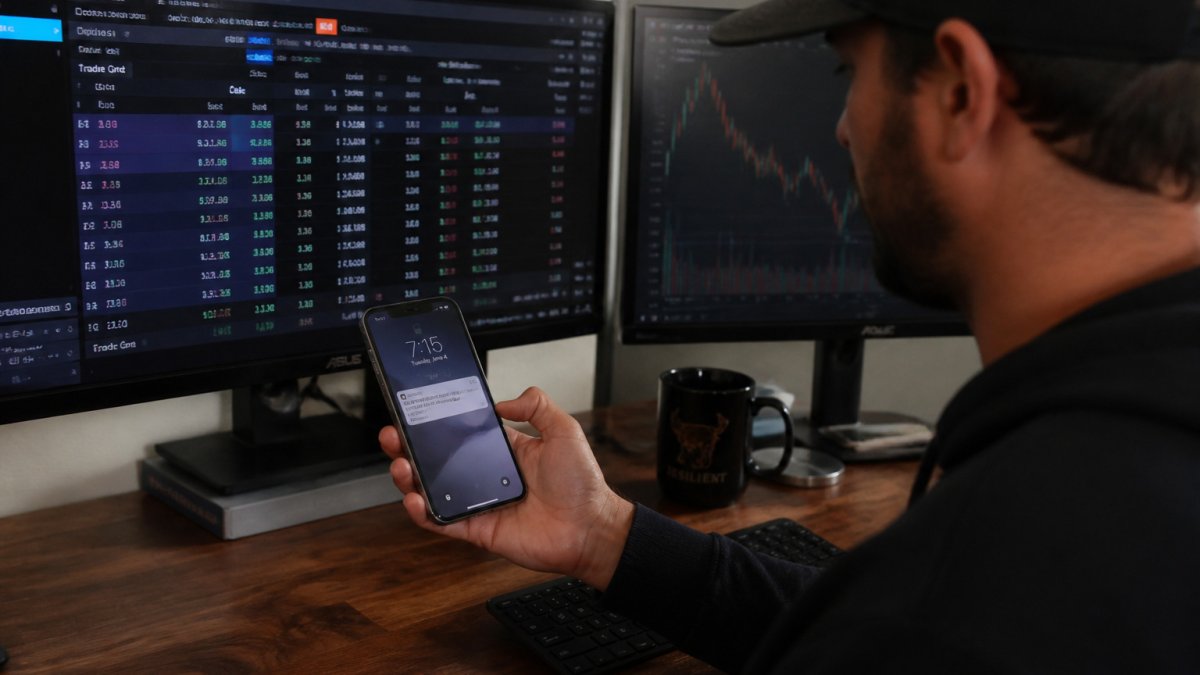
Customization is the other factor: the best services let you set thresholds for price moves, contract volume, or specific tickers so you receive only alerts matching your watchlist. Review these options before you pay, because a service that floods you with irrelevant alerts costs you attention even when it is accurate.
Learn more about our Options Trade Alerts →
Comparing Options Alerts Services: Features, Platforms and Pricing
The table below summarizes selected service details.
| Service | Delivery | Calls/Puts | Flow Alerts | Automated Execution | Pricing |
|---|---|---|---|---|---|
| WhisperNumber | Options alerts, earnings profiles | Yes | Not confirmed | Not confirmed | Visit website |
| Stock Market Guides | Real-time text or email | Buy/sell guidance | Not confirmed | Not established | Subscription; not listed |
| The Trading Analyst | Real-time SMS | Not confirmed | Not confirmed | Not confirmed | Not verified |
| Option Signals | iOS app | Yes | Sweeps and block trades | Not established | Not verified |
Broker, Platform and Device Compatibility
Compatibility is one practical detail to verify. Consider whether a service fits your broker, device, and preferred notification channel.
Alert Latency and Customization
Latency is the delay between an event and your notification. Ask whether delivery is real-time or delayed.
Customization matters just as much for automated workflows. Confirm you can set:
- Ticker watchlists so you only receive alerts on names you follow.
- Price-move and volume thresholds rather than a fixed one-size-fits-all trigger.
- Alert frequency caps so a volatile morning does not bury you in notifications.
- Contract filters by expiration range, strike distance, or minimum open interest.
- Quiet hours that suppress alerts outside your trading window.
An unfiltered feed costs you attention even when it is accurate, and for automated execution it can translate directly into unwanted orders.
Subscription Terms and Total Cost
Look past the headline price. Check the current pricing and terms directly with the provider.
How to Verify Alert Accuracy and Performance Claims
Performance claims are easy to make and hard to check. Comparing the underlying data sources behind earnings tools, such as Earnings Whisper vs Estimize: Data Sources Compared, shows whether a service's numbers can be traced back to a reliable source. Ask for the methodology: over what period, which tickers, and whether results include losing trades. A service that shows only winners is not giving you enough information.
WhisperNumber provides whisper numbers and earnings estimates. Our guide on How to Interpret Whisper Numbers: A Step-by-Step Guide walks through that process.
Finally, run a trial: track every alert for at least one earnings season, record the outcome, and compare it with your own baseline. Independent verification is the only reliable test, and any service that resists it deserves skepticism.
Choosing Your Options Alerts Service Before You Register
Start with your trading style. Trading a few times a week around earnings? A low-volume alerts service with clear exit guidance may suit you. Want speed and hands-off execution? Prioritize latency and automation support. New to options? Favor services that explain their reasoning.
Then check the practical details: delivery method, device compatibility, customization, cancellation terms, and transparent performance methodology. For a closer look at how fast alerts arrive, see How Fast Are Earnings Alerts: Speed Guide. For a comparison of automated tools with alerts-only products, see Earnings Profile Tracking vs Trade Alerts.
Options trading carries substantial risk, and alerts do not guarantee profits. You can register with WhisperNumber through our Options Trade Alerts page.
Frequently Asked Questions
What are the best options trading alerts for earnings?
The right choice depends on what you trade and how you act on alerts. WhisperNumber provides options alerts, earnings profiles, and market sentiment analysis. Check current pricing directly with the provider.
Can options alerts automatically place trades?
The verified facts establish that WhisperNumber offers options alerts, but do not specify whether they place trades automatically or which brokers they work with. Confirm those details with the provider.
Are options trading alerts worth paying for?
Whether an alerts service is worth its cost depends on your needs and how you use it. WhisperNumber provides trade alerts, options alerts, earnings profiles, and market sentiment analysis. Check current pricing directly with the provider.
How do I evaluate an options alerts service?
Consider whether the service's stated features fit your needs. WhisperNumber provides earnings expectations, whisper numbers, earnings estimates, market sentiment analysis, and trade and options alerts. Check current pricing and terms directly with the provider.